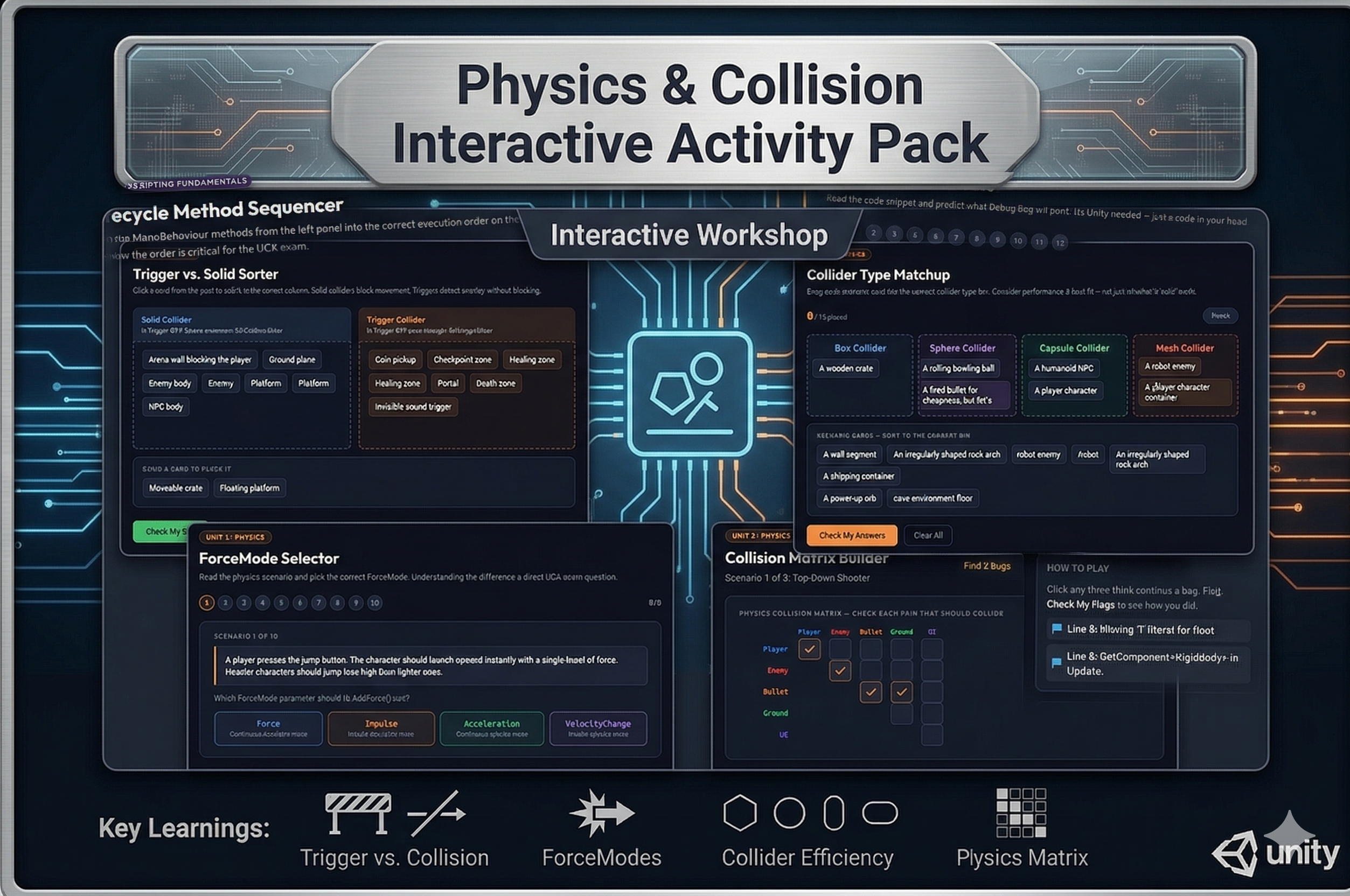
Four scenario-driven activities that build deep understanding of Unity’s physics system — from choosing the right collider shape to configuring layer-based collision rules.
Included activities:
1. Collider Type Matchup Twelve game object scenario cards (“a rolling bowling ball,” “a humanoid NPC,” “a large static cave floor”) dragged into four bins: Box, Sphere, Capsule, or Mesh Collider. Results show general rules for each type.
2. Trigger vs. Solid Sorter Twelve descriptions sorted into Solid Collider or Trigger Collider columns. Teaches the core decision rule: blocks movement → Solid; detects presence only → Trigger.
3. Collision Matrix Builder A fully interactive Physics Collision Matrix mirroring Unity’s Project Settings UI. Three game scenarios (Top-Down Shooter, Platformer, Trigger Puzzle) with named layers. Students configure which layers interact, then submit for graded results with explanations for key decisions.
4. ForceMode Selector Ten physics scenarios in plain language. Students pick from Force, Impulse, Acceleration, or VelocityChange. Every answer explains the two key axes: instant vs. continuous and considers mass vs. ignores mass.
Instant digital download. All four activities open in any browser. No setup required.
CSTA Standards:
| Standard | Code | Description |
|---|---|---|
| Algorithms & Programming | 3A-AP-13 | Create prototypes that use algorithms to solve computational problems |
| Computing Systems | 3A-CS-01 | Explain how abstractions hide complexity of computing systems |
| Algorithms & Programming | 3A-AP-17 | Decompose problems into smaller components |
Also aligns to: Georgia CTAE Game Design: Animation & Simulation · Unity Certified Associate exam domain: Physics


Reviews
There are no reviews yet.