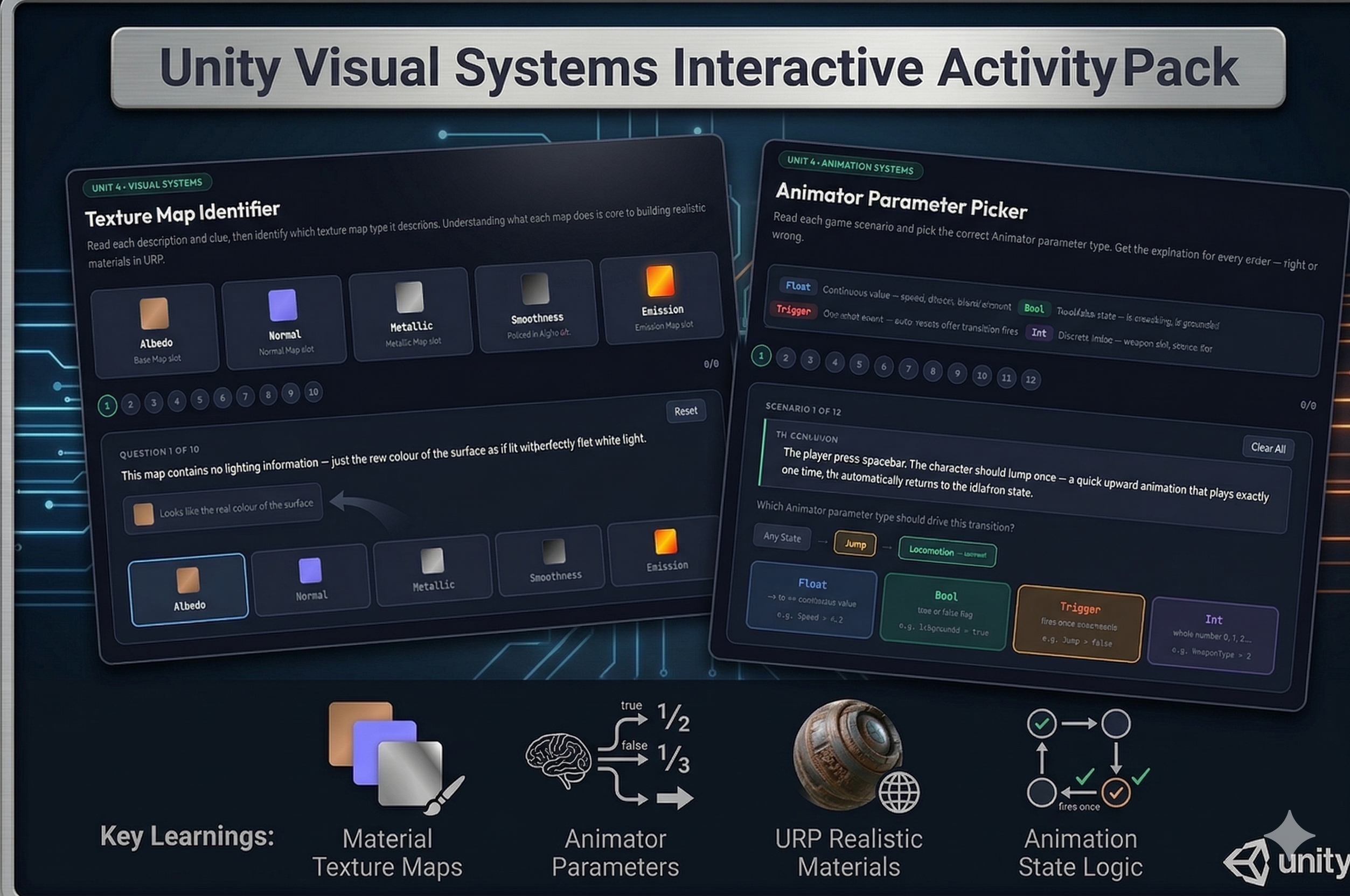
Two activities that tackle the visual systems concepts students consistently find most confusing — texture maps and Animator parameters.
Included activities:
1. Texture Map Identifier Ten questions each describing a texture map’s visual appearance and purpose with a color swatch clue. Students identify Albedo, Normal, Metallic, Smoothness, or Emission. The Normal map question deliberately shows the blue-purple color that trips students up on the UCA exam, and several questions are scenario-based (“an old car has a mirror-shiny hood but dull rusty panels — which map controls this?”).
2. Animator Parameter Picker A type legend defines Float, Bool, Trigger, and Int with examples. Twelve scenarios describe what an animation needs to do — a one-time jump, continuous speed blending, weapon type selection, sustained crouching — and students pick the correct parameter type. Wrong answers explain specifically why the chosen type fails, not just why the correct one works.
Instant digital download. Both activities open in any browser. No setup required.
CSTA Standards:
| Standard | Code | Description |
|---|---|---|
| Algorithms & Programming | 3A-AP-13 | Create prototypes that use algorithms to solve computational problems |
| Computing Systems | 3A-CS-01 | Explain how abstractions hide complexity |
| Impacts of Computing | 3A-IC-24 | Evaluate ways computing impacts cultural practices |
Also aligns to: Georgia CTAE Game Design: Animation & Simulation · Unity Certified Associate exam domain: Graphics & Visual Systems
Reviews
There are no reviews yet.